AI Christmas Photo Generator
Turn one photo into a Christmas photo in 20 to 60 seconds. Upload a photo, choose a look — Santa hat, falling snow, fairy lights, an ornament, a full Christmas card — and you get a new image back with your face, your framing and your expression kept as they were. Nothing to install: it runs in the browser, on a phone or a laptop. The file you download is a 2K PNG with no watermark on it.
JPG, PNG or WebP · 2K PNG download · No watermark
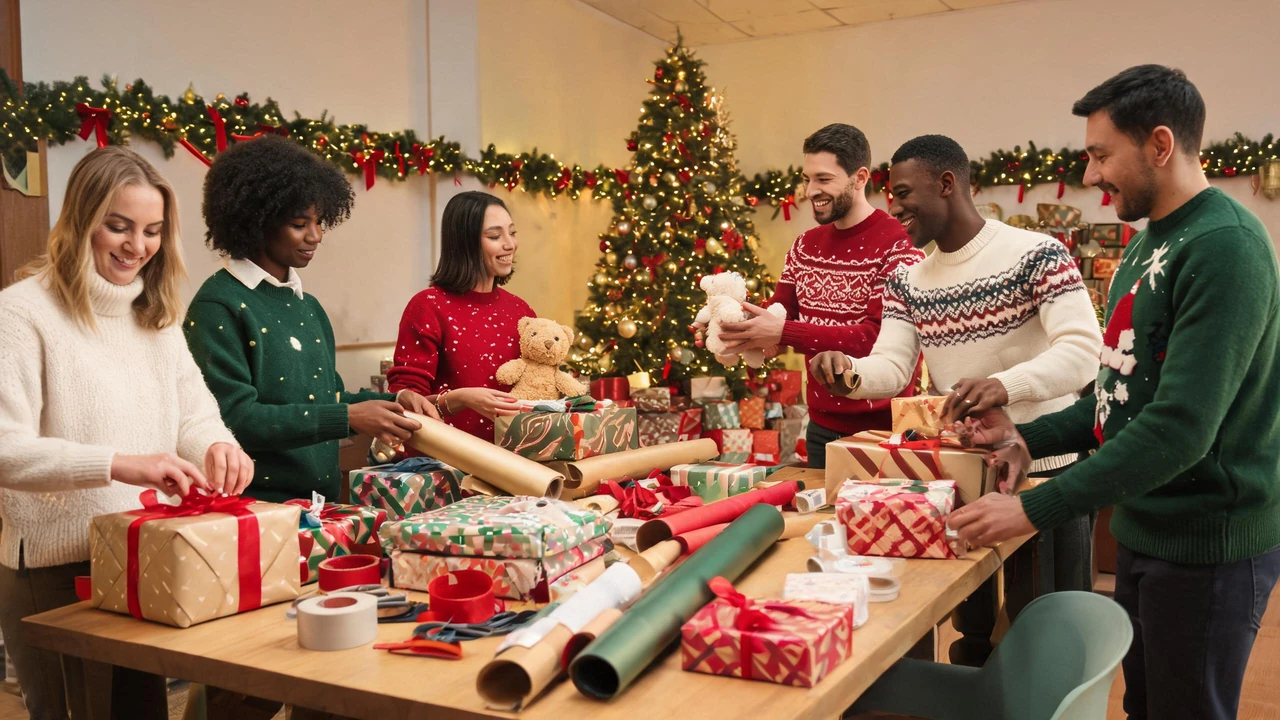
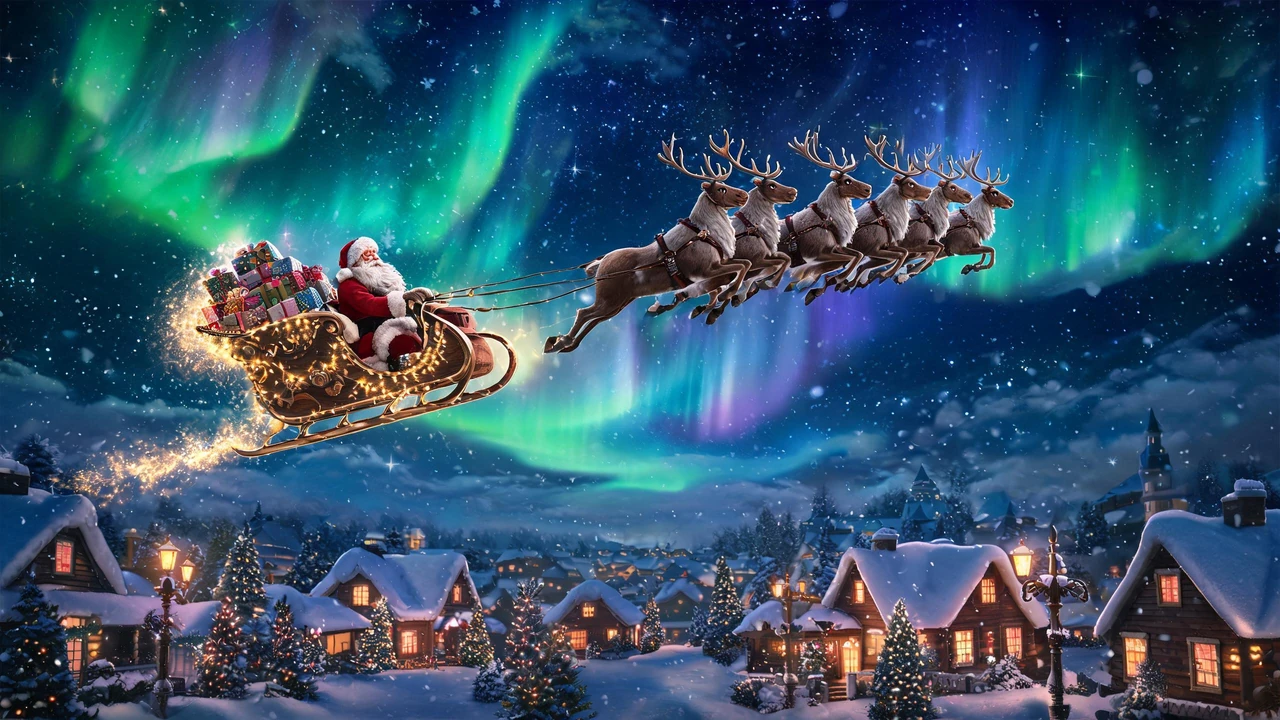
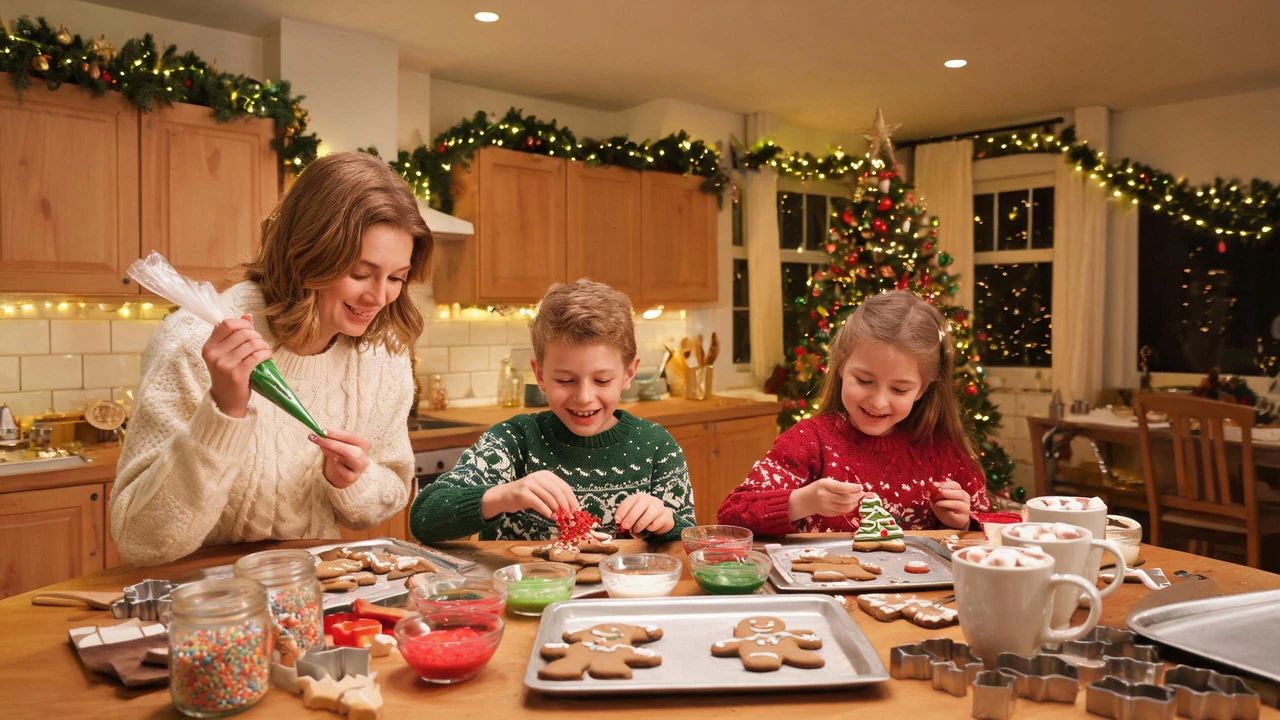
AI-generated examples, not real product output
How It Works: One Photo In, One Christmas Photo Out
There is nothing to configure and nothing to install. You hand the generator a single photo, tell it which Christmas look you want, and it returns a finished image — no layers, no masks, no manual work.
Upload a photo
One photo from your camera roll or your computer. JPG, PNG and WebP all work. A clear, evenly lit photo — face visible, nothing covering it, subject not tiny in the frame — gives the cleanest result.
Pick a Christmas look
Four presets, from a single Santa hat added to your own photo, all the way to a full scene change. If none of them match what you have in mind, describe the look you want in your own words instead.
Wait 20 to 60 seconds
Most photos finish inside a minute. Adding a hat is at the fast end; reworking the whole background is at the slow end. Nothing sits in a queue behind a long-running job.
Download the 2K PNG
The image comes back at 2048 pixels on the long edge, as a PNG, with no watermark on it. If the first result is not quite right, change one preset and generate again — you are not starting over from the original file each time.
Eight Christmas Looks You Can Apply to Any Photo
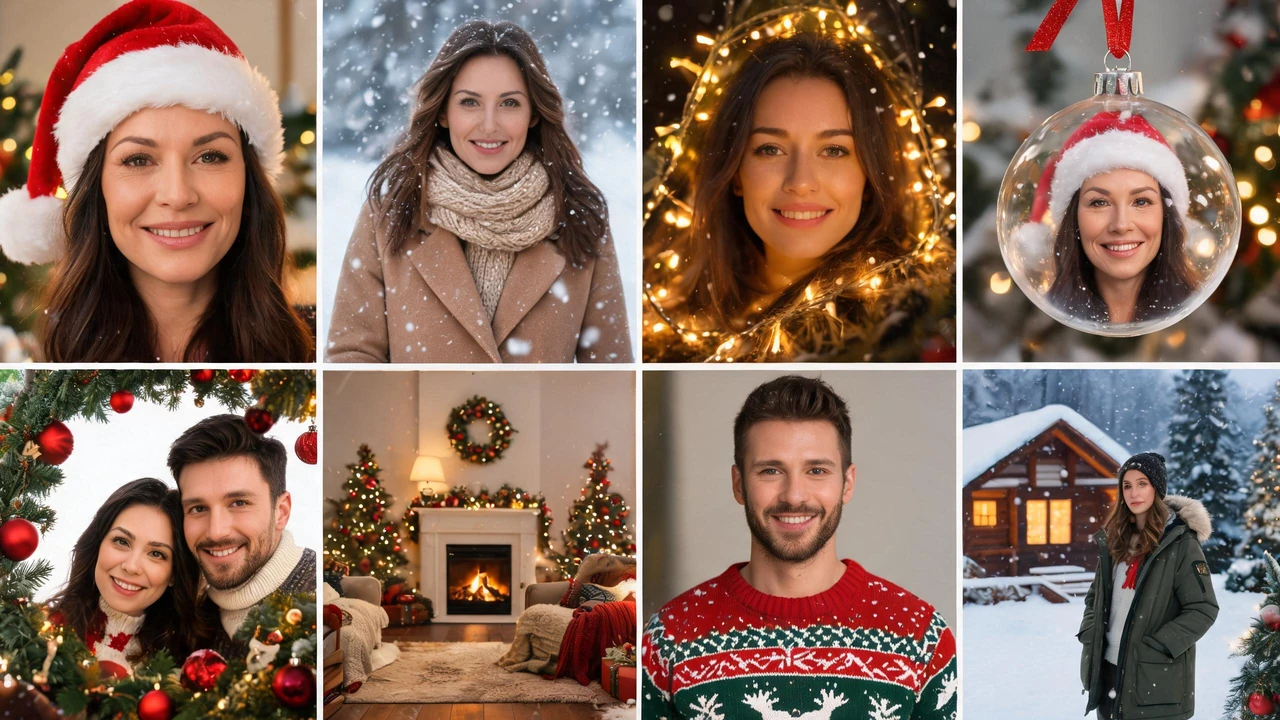
Santa hat
A red hat with white fur trim, sat on the head so it follows the tilt of your subject rather than floating above it. The weakest version of this edit is a hat pasted at the wrong angle — this preset is built around the head position.
Falling snow
Fine flakes in front of and behind the subject, a few settled on shoulders and hair, and the light in the frame cooled down to match.
Christmas lights
Warm string lights worked into the background, with the glow landing on the side of the face nearest them, so the subject is lit by the scene instead of sitting in front of it.
Photo in a Christmas ornament
Your portrait inside a hanging glass bauble, curved gently to the surface, a red ribbon above. Works best with a single head-and-shoulders portrait.
Christmas card
The photo laid into a card layout, with a border and decoration around it and blank space left for your own message. The generator does not write on the card — the wording is yours.
Festive background
The room behind the subject replaced with a lit Christmas living room. This is the preset tuned for photos taken in busy rooms, where there is more for the model to separate.
Holiday sweater
Clothing swapped for a knitted Christmas sweater, with the collar and shoulder seams aligned to the body underneath, so the garment follows your posture instead of hanging off it.
North Pole portrait
The photo moved into a cabin-and-snowfall scene, sweater and hat included.
Christmas Photo Ideas You Can Make From a Photo You Already Have
Every idea below starts from a photo on your phone — no shoot, no props, no new outfit.
- Photo in a Christmas ornament — one portrait, turned into a bauble you can hang or send.
- Christmas cards from a photo — the family shot, laid into a card with space for your own message.
- Christmas photo frame — the photo dropped into a decorated frame instead of a whole new scene.
- Christmas family photo — the group shot you already took, made festive without reshooting it.
- Dog and pet Christmas photos — the photo of the dog, with a hat that sits on the ears rather than over them.
- Christmas photo background — a plain or cluttered room swapped for a lit Christmas one.
- Photo with Santa and a letter from Santa — a letter built around your child's name.
- Christmas photoshoot ideas and prompts — poses, outfits and prompt wording, if you would rather direct the result yourself.
What the Edit Changes, and What It Leaves Alone
A Christmas edit either keeps the person or loses them, and the place it gives itself away is never the hat. It is the hair edge, the shadow under the chin, and the direction the light comes from.
The presets are graded against that split. A background swap means the hair edge keeps single strands rather than a cut-out halo, and the light on the subject is re-graded to match the new room. A clothing swap means the collar and shoulder seams follow the body underneath. A snow preset means the flakes fall in the depth of the scene, not as a layer on top of it.
That is also why the harder cases are the honest ones: a photo taken in a busy room, with shelves and boxes behind the subject, is where a background change either holds up or does not. Most people do not have a plain white wall and a ring light — most photos are the messy one.
What changes
- The added element (hat, lights, ornament frame, card border, sweater, background).
- The colour and direction of the light in the scene.
- The background behind the subject.
- Sometimes the clothing, when the preset is a sweater swap.
What stays
- The face and the expression.
- The pose and the framing.
- The crop you started with.
- You are not asked to upload several photos to train a model, and you are not asked to approve a new face.
What You Get Back: a 2K PNG, No Watermark
- 2048 pixels on the long edge.
- The download is a 2K PNG — stated up front, not a compressed preview that turns out to be 800 pixels wide.
- No watermark.
- Nothing is stamped across the image you download: no logo, no credit badge, no "made with" line in the corner.
- PNG, not a web preview.
- You get the actual file, saved to your device.
- 20 to 60 seconds per image.
- Generate one, look at it, change a preset, generate again.
- Guest users start with free credits — enough for one image.
- Create an account and you get free credits every day. There is no subscription.
- Images generated without an account stay in your history for 7 days.
- Sign in and they stay in your account. Download anything you want to keep before then.
Runs in Your Browser, No App to Install
There is no app, no plugin and no desktop download. Open the page in Safari or Chrome, pick a photo from your camera roll, wait, and save the result back to your photos — on iPhone, on Android, or on a laptop.
That matters when you are making one Christmas photo, not adopting a new workflow: nothing to install just to see whether it works, and nothing to update next December.
How This Compares to the Other Ways to Do It
| Feature | This generator | Phone photo app | Desktop editor |
|---|---|---|---|
| Install required | No | Yes | Yes |
| Works from a photo already on your phone | Yes | Yes | Yes, after transferring the file |
| Download size | 2K PNG, 2048 px | Typically a resized export | Full size, manual |
| Watermark on the download | None | Often on the unpaid tier | None |
| Time to first result | 20 to 60 seconds | Minutes, once installed | Depends on skill |
| Changes your face | No — identity is kept | Varies by filter | Manual work |
Wording about other tools is general: apps and editors differ from one another. The point of the table is what you can expect here, not a claim about any specific product.
Browse all Christmas templatesQuestions People Ask Before Making One
Is there a watermark on the image I download?
What size is the finished image?
How long does one photo take?
Will it change my face?
What photo should I upload?
How many images do I get?
How long are my images kept?
Does it work on a phone?
Make the Christmas Photo From the Photo You Already Have
Upload one photo, pick one look, wait under a minute, download a 2K PNG with nothing stamped on it.