
Editing Tools on This Page
Everything here runs in the browser. Pick a tool, upload an image, and you are working within seconds.
Image to Image
The core editor. Upload one photo, describe the result, and the model rebuilds the image in that direction. Restyle, remove, replace, extend.
Portrait Enhancement
Retouch and reshape faces and portraits while keeping the original likeness.
Ghibli Style
Illustrated, hand-drawn restyling of everyday photos and landscapes.
Object Editing
Remove an object, swap a product, change what is on the table.
E-commerce Product
Turn a flat lay or a plain product shot into a finished ad visual.
Also in development: text to image, background removal, image upscaling, face swap, and AI anime. Each one is added to this page on the day it goes live — we do not list a tool before you can actually use it.
How AI Image Editing Works Here
Three steps, sign up for free to start.
Upload a photo
JPG, PNG and WebP all work. High resolution starts are recommended.
Describe the change
"Turn the background into a rainy Tokyo street at night" is enough — you do not need prompt syntax.
Download
Compare the result against your original and run it again with a different description if you want another angle.
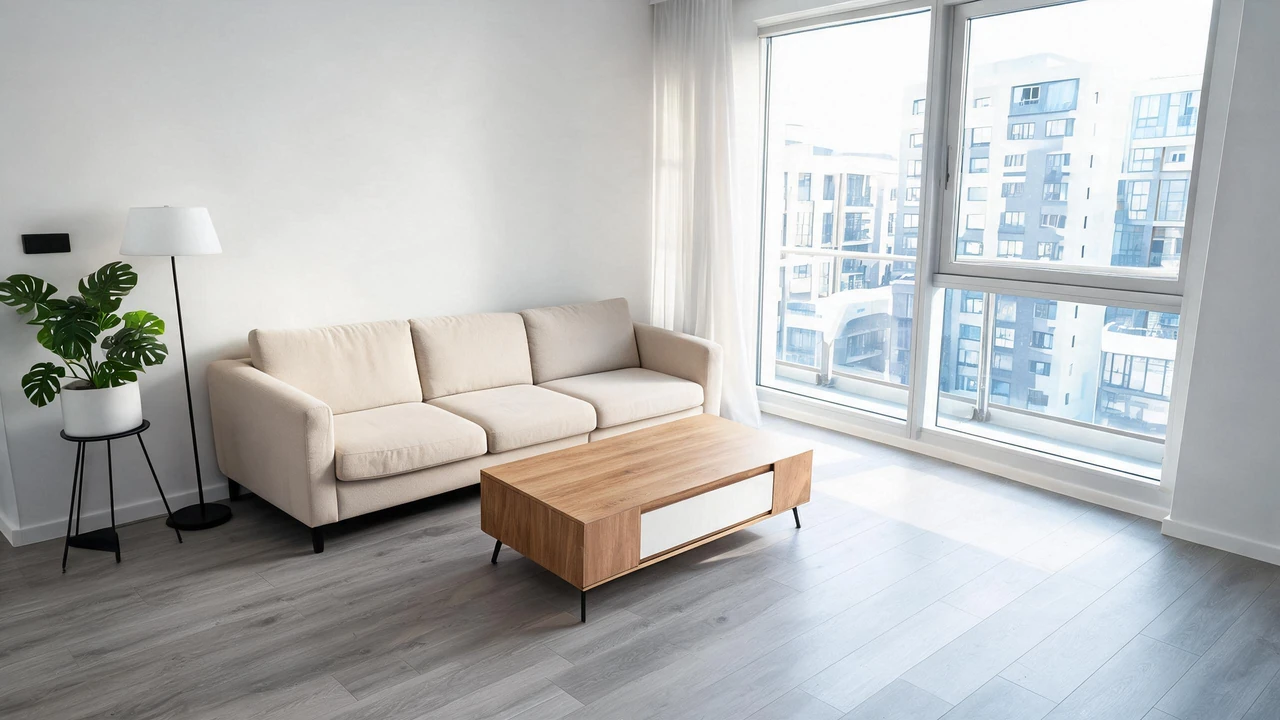
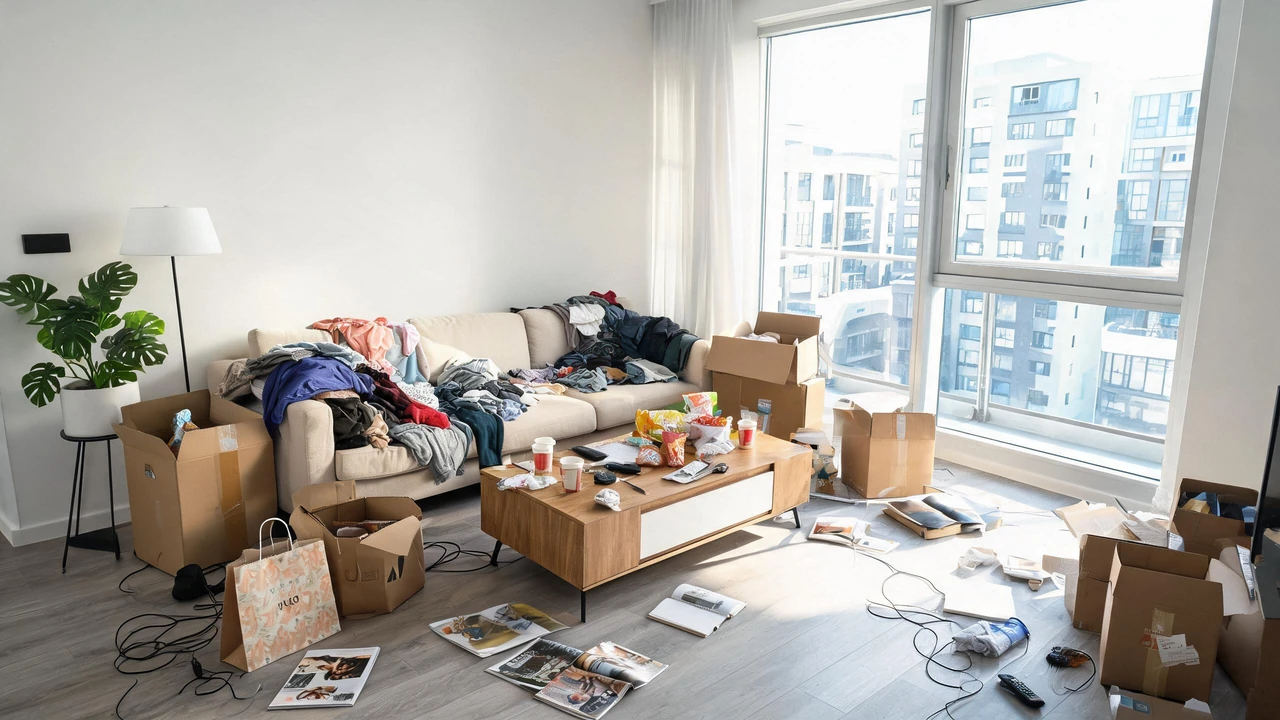
Because the editor is built on image to image rather than text to image, your original photo stays the reference. The subject, the composition and the light stay recognisable — you are directing a change, not rolling dice for a new picture. That is the practical difference between an image editor and an image generator, and it is why results here tend to keep the thing you actually liked about your photo.
Which AI Image Editor Fits Your Task?
There is no single best AI image editor — there is a best one for what you are trying to do. Most people arrive with one of five jobs:
Different style on existing photo
Use Image to Image and name the medium: watercolour, film photograph, pencil sketch, Studio Ghibli background.
Want something removed
Use Object Editing. Name the object and say what should be behind it.
Better product image
Use E-commerce Product. Flat lays and plain white-background shots convert poorly; a styled scene converts better.
Retouched portrait
Use Portrait Enhancement and keep the changes small — skin, light, expression.
Just want to try
Open Explore, pick a template that already looks like your photo, and run it with one click.
The templates in Explore each show a real before-and-after pair plus the exact prompt that produced it. If you are new to AI editing, copying a working prompt is faster than inventing one.
Photo Quality Enhancer, Free and Online
Sharpening and upscaling are the second half of image editing, and they are treated as an afterthought almost everywhere. A photo that is soft, noisy or too small is often the real reason an edit disappoints — a perfect restyle on a 480-pixel source still looks like a 480-pixel image.
The pattern that works is enhancer first, editor second: clean up resolution and noise, then restyle. Upscaling is in development here and will sit on this page next to the editor, so the two steps live in one place instead of two tabs and an upload folder. Until it ships, start from the highest-resolution original you have — that single choice does more for final quality than any slider.
What "Free Online Editing" Means Here
You can sign up for a free account to open the editor, work, and download. No email verification walls, no credit card requirement, no app to install. It means exactly that — a frictionless, browser-based editing experience after a quick sign up.
What it does not mean is unlimited magic. This is an image editor, not a design suite. It will not do layer-by-layer retouching, typographic layout, exact colour matching to a brand hex code, or pixel-level cloning. If your job needs those, you want a traditional editor and this is not a substitute for it. Knowing that before you upload saves you a wasted afternoon.
What it also does not mean is a free-for-all. Uploads pass through content filters, and images that violate our terms — including sexual content involving minors, non-consensual intimate imagery, and content intended to harass a real person — are refused. Free and open access is not the same as unmoderated.